
In practice, business process automation (BPA) is about changing how work moves through an organization.
Instead of an employee receiving information, copying it into another system, emailing someone for approval, waiting for a response, updating a spreadsheet, sending a reminder, and manually completing the next step, technology can coordinate much of that process automatically.
The important word is process.
Business process automation is not simply about automating one task. It can connect multiple tasks, decisions, people, and business systems into a coordinated workflow while keeping employees involved where human judgment is still required.
So, what is business process automation really? This guide explains how BPA works in practice, what businesses should automate, what they should not automate, where AI fits, and how to approach automation without simply making a bad process run faster.
Quick Answer: What Is Business Process Automation, Really?
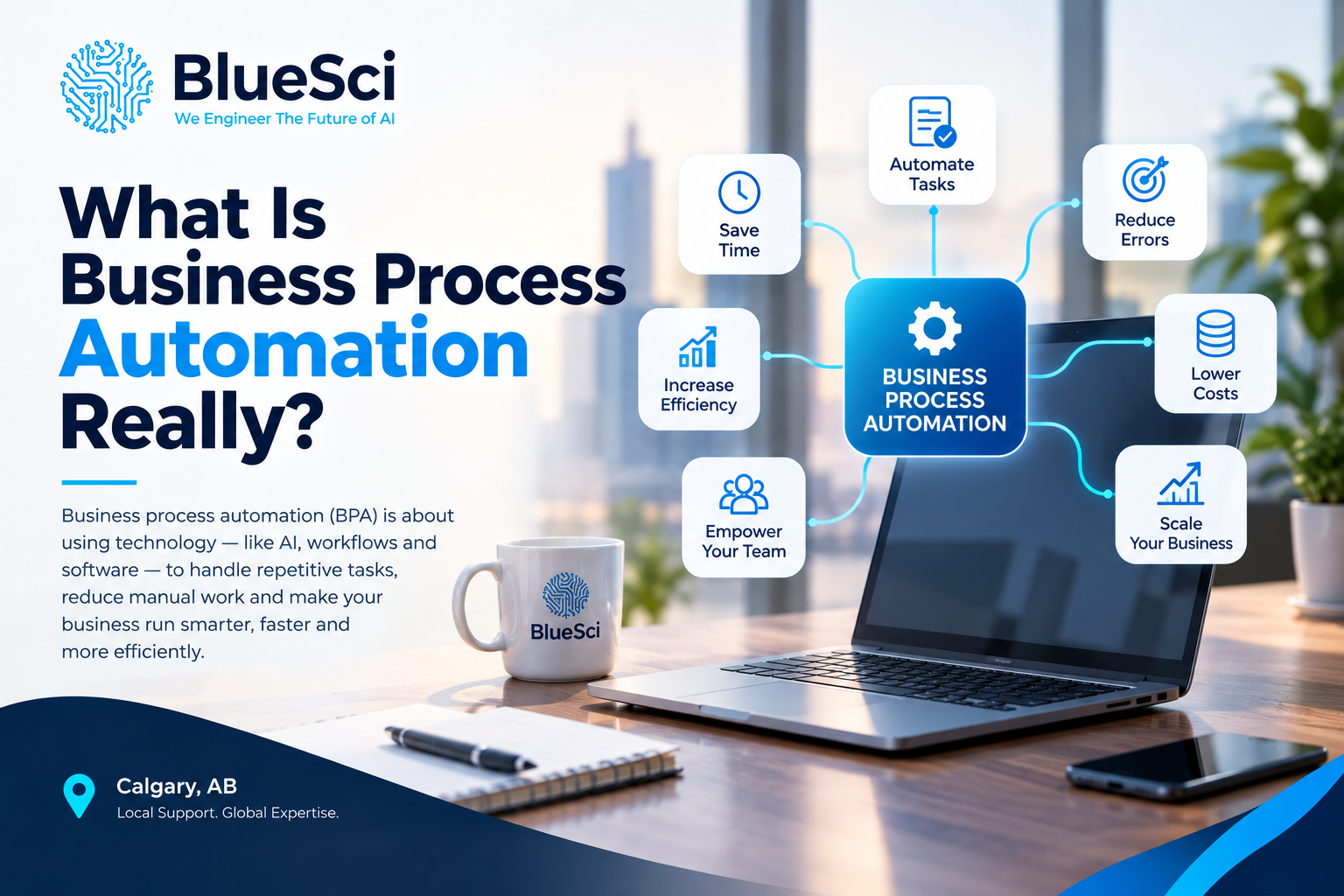
Business process automation is the use of technology to automate repeatable steps within a business process so information, tasks, approvals, and actions can move through the workflow with less manual intervention.
A BPA workflow might receive information from one system, apply business rules, update another application, assign a task, request approval, send a notification, and route unusual cases to an employee for review.
The objective is not necessarily to remove people from the process.
It is to remove repetitive manual work from the parts of the process that do not require human judgment.
That distinction becomes important when businesses move from simple task automation toward Intelligent Automation & Process Optimization.
What Business Process Automation Actually Means
To understand BPA, it helps to stop thinking about software for a moment and look at how work actually moves through a business.
Most business processes involve a sequence of events.
Something happens. Information is received. Someone reviews it. A decision is made. Data moves into another system. Another employee becomes responsible for the next step. A customer or colleague receives an update. Eventually, the process is completed.
Consider a simple customer inquiry.
A potential customer submits a form on a company’s website. Someone reads the submission, enters the information into a CRM, decides which salesperson should receive it, sends that salesperson a message, creates a follow-up task, and perhaps records the inquiry somewhere else for reporting.
None of those individual steps may take very long.
But when the same process happens dozens or hundreds of times, the manual work adds up.
Business process automation asks a practical question:
Which parts of this workflow really require a person, and which parts can happen automatically?
That is the foundation of BPA.
How Does Business Process Automation Work?
An automated process normally combines several components rather than relying on one isolated action.
1. Something Triggers the Process
Every automated workflow needs a starting point.
A trigger could be:
- a customer submitting a website form,
- an invoice arriving,
- a new employee being hired,
- a support ticket being created,
- a contract approaching renewal,
- a purchase request being submitted, or
- a record changing inside a CRM.
Once the trigger occurs, the workflow can begin without waiting for someone to manually start the next step.
2. The Workflow Applies Business Rules
Many business processes contain decisions that follow predictable rules.
For example:
If an expense is below a certain amount, send it to the department manager. If it exceeds that amount, require an additional finance approval.
When those rules are clearly defined, software can apply them consistently.
3. The System Performs Actions
After evaluating the relevant rules, the workflow can perform actions that employees previously handled manually.
That might include:
- creating a record,
- updating a field,
- sending an email,
- creating a task,
- generating a document,
- sending a reminder,
- routing an approval, or
- moving information into another system.
4. Information Moves Between Systems
Business processes rarely exist inside one application.
A workflow might begin on a website, continue inside a CRM, interact with an accounting platform, create a task in another application, and send notifications through email.
For that reason, business process automation often depends on the ability of different systems to exchange information.
5. People Handle Decisions and Exceptions
Automation does not mean every decision must be made by software.
A well-designed workflow knows when to involve a person.
If everything matches the expected rules, the process may continue automatically. If something unusual happens, the workflow can stop and route the case to the appropriate employee.
This is an important principle:
Automate predictable work. Escalate unpredictable work.
A Realistic Business Process Automation Example: Before and After
Invoice processing is a useful example because it shows the difference between automating a task and automating an entire process.
Before Business Process Automation
An invoice arrives by email.
An employee downloads the attachment, reads the invoice, enters the information into an accounting system, determines who needs to approve it, forwards it to that person, waits for a response, sends a reminder if necessary, updates the accounting record, and stores the document.
If something does not match, the employee may need to contact another department before the process can continue.
The problem is not one difficult task.
The problem is the number of small manual steps and handoffs required to complete the process.
After Business Process Automation
A properly designed workflow could:
- Detect the incoming invoice.
- Capture the relevant information.
- Create or update the accounting record.
- Check the information against predefined rules.
- Determine the appropriate approval path.
- Send the approval request.
- Send a reminder if approval is delayed.
- Update the invoice status after approval.
- Route exceptions to the appropriate employee.
- Store the document in the required location.
The business has not simply automated data entry.
It has automated how the invoice moves through the organization.
Task Automation vs. Business Process Automation
Task automation and business process automation are related, but they are not exactly the same thing.
Task automation focuses on one repetitive activity.
Examples include automatically sending a confirmation email, creating a calendar reminder, copying information between fields, or generating a standard document.
Business process automation looks at the wider workflow.
Take employee onboarding.
Automatically sending a welcome email is task automation.
Automating employee onboarding could involve:
- collecting required information,
- creating accounts,
- notifying payroll,
- requesting equipment,
- assigning training,
- scheduling orientation, and
- tracking whether required steps are complete.
One automated action can save a few minutes.
An automated process can change how an entire workflow operates.
BPA vs. Workflow Automation vs. RPA
Automation terminology can become confusing because several technologies can solve related problems.
Business Process Automation vs. Workflow Automation
Workflow automation focuses on moving work through a defined sequence of steps.
For example, an expense request might automatically move from an employee to a manager and then to accounting.
Workflow automation can therefore be an important part of a broader BPA strategy.
Business Process Automation vs. RPA
Robotic process automation (RPA) generally uses software bots to perform repetitive, rules-based activities that a person might otherwise perform through an application’s interface.
For example, a bot could transfer information between two systems when another integration method is unavailable.
BPA takes a broader view.
Instead of asking, “How can we automate this click or data-entry task?” BPA asks, “How should this entire business process work?”
Business Process Automation vs. Business Process Management
Business process management is concerned with understanding, managing, and improving business processes.
Automation can then become one way of implementing improvements within those processes.
The concepts are related, but improving a process does not always mean automating every part of it.
Does Business Process Automation Require AI?
No. Business process automation does not require artificial intelligence.
This is an important distinction because AI and automation are often discussed as though they mean the same thing.
They do not.
Many valuable business workflows can be automated using straightforward rules.
If a process follows a predictable pattern such as:
When X happens, check Y, update Z, create a task, and notify this person,
then conventional workflow automation may be all the business needs.
AI becomes useful when the process contains information or decisions that are more difficult to express using simple rules.
AI might help a workflow:
- classify an incoming document,
- extract information from unstructured text,
- summarize a customer request,
- identify patterns in data,
- recognize unusual cases, or
- support more complex routing decisions.
The presence of AI does not automatically make an automation better.
The right question is whether AI adds useful capability to the process.
This is similar to the broader principle discussed in our guide What Does an AI Consultant Actually Do?: the technology should follow the business problem, not the other way around.
What Business Processes Can Actually Be Automated?
Automation can be applied across many parts of an organization, but the best opportunities usually share something in common: employees are repeatedly following the same steps.
Finance and Accounting
Potential workflows include invoice processing, purchase-order approvals, expense approvals, reconciliation, payment notifications, and reporting.
Sales
Businesses can automate lead routing, CRM updates, follow-up reminders, proposal workflows, pipeline notifications, and parts of customer onboarding.
Human Resources
Employee onboarding and offboarding often involve predictable steps across several departments, making them potential candidates for workflow automation.
Operations
Automation can support scheduling, order processing, inventory notifications, vendor workflows, document routing, and recurring operational reporting.
IT
Common opportunities include ticket routing, access requests, account provisioning workflows, system notifications, and routine service requests.
Document-Heavy Workflows
Businesses that repeatedly receive invoices, forms, applications, requests, contracts, or other documents may also find opportunities to automate how those documents are received, classified, routed, and processed.
The important point is that automation opportunities often exist inside ordinary daily work rather than in dramatic technology projects.
What Should You Not Automate?
Not every process is a good candidate for automation.
That is just as important as identifying what can be automated.
A process may deserve more investigation before automation when it:
- happens very rarely,
- changes constantly,
- depends heavily on human judgment,
- has no consistent rules,
- has unclear ownership,
- contains unresolved problems, or
- is likely to change significantly in the near future.
One of the biggest mistakes is automating a process simply because it currently consumes a lot of time.
The process itself may be the problem.
If a workflow contains unnecessary approvals, duplicate data entry, unclear responsibilities, or outdated steps, automation may simply make an inefficient process operate faster.
Before automating a process, ask whether the process should work that way in the first place.
How Do You Identify the Right Process to Automate?
A useful automation candidate often has several characteristics.
Look for processes that are:
- repetitive,
- high volume,
- rules-based,
- time-consuming,
- prone to manual errors,
- dependent on repeated follow-ups,
- spread across multiple systems, or
- dependent on frequent handoffs between people.
Another useful approach is to listen to the language employees use when describing their work.
Statements such as:
“I have to copy this into another system.”
“I have to check this every morning.”
“I have to remind them when they haven’t approved it.”
“We update the same information in two places.”
“Someone has to review every request and decide where it goes.”
can indicate areas worth investigating.
That does not automatically mean those activities should be automated, but it gives the business a useful starting point for process discovery.
How Is Business Process Automation Actually Implemented?
Successful automation normally starts before any automation software is configured.
1. Map the Current Process
Document how the workflow actually operates today.
That includes the people involved, systems used, information required, decisions made, approvals needed, handoffs between teams, and exceptions that occur.
The objective is to understand the real process, not simply the process described in a procedure document.
2. Identify Bottlenecks and Unnecessary Work
Once the workflow is visible, the business can identify repetitive data entry, duplicated steps, unnecessary approvals, delays, manual follow-ups, and disconnected systems.
Some of those problems may need to be removed rather than automated.
3. Prioritize the Automation Opportunity
Not every opportunity should be implemented immediately.
Businesses can consider factors such as:
- time currently spent on the process,
- frequency and volume,
- error reduction potential,
- number of people involved,
- systems involved,
- implementation complexity, and
- expected business impact.
4. Design the Future Workflow
Next, determine what the improved process should look like.
Which steps should happen automatically?
Where is human approval still required?
What happens when information is missing?
What happens when the process encounters an exception?
Those questions are part of automation design, not edge cases to deal with later.
5. Connect the Systems
The workflow may need to exchange information with CRM, ERP, scheduling, accounting, document-management, database, or other business systems.
Integration therefore becomes part of implementation rather than a separate technical concern.
6. Test the Process
Testing should examine both the normal workflow and unusual scenarios.
A process that works perfectly only when every piece of information is correct is not necessarily ready for real business use.
7. Deploy and Train Employees
Employees need to understand what the automation does, what has changed in their workflow, where they remain responsible, and what to do when an exception occurs.
8. Measure and Improve
After deployment, the process should be monitored against the business objective that justified automating it in the first place.
Why Systems Integration Matters in Business Process Automation
A business process may involve several applications even when employees think of it as one workflow.
For example, a new customer process might involve a website, CRM, accounting platform, scheduling application, document system, and email.
If those systems cannot exchange information, employees may still have to manually move data between them.
That creates a situation where individual tasks appear automated but the overall process still contains manual gaps.
This is why business process automation and systems integration frequently overlap.
APIs and other integration methods can allow information created in one system to trigger actions or update records elsewhere.
For a deeper explanation, read What Is Systems Integration and Why Does It Matter?
Automation becomes much more powerful when information can move through the business without repeatedly being re-entered by employees.
Common Business Process Automation Mistakes
Automation can create significant operational improvements, but poor implementation can simply create a more complicated workflow.
Automating a Broken Process
If the underlying process is inefficient, automation may preserve those inefficiencies.
Choosing Software Before Understanding the Problem
Buying an automation platform and then looking for processes to automate reverses the order.
Start with the business problem and workflow. Select technology after the requirements are understood.
Automating Too Much at Once
An organization does not necessarily need to automate an entire department in its first project.
A clearly defined workflow with measurable outcomes can provide a more practical starting point.
Ignoring Exceptions
Real processes do not follow the perfect path every time.
Customers submit incomplete information. Invoices do not match. Systems become unavailable. Requests fall outside normal rules.
A useful automation needs a defined way to handle those situations.
Ignoring Integration
Automating individual tasks without connecting the systems involved can leave employees manually transferring information between applications.
Removing Human Oversight Where It Is Still Needed
The goal is not maximum automation.
The goal is appropriate automation.
Processes involving important judgment, unusual circumstances, sensitive decisions, or complex customer interactions may still require human involvement.
Forgetting Employee Adoption
If employees do not understand the new process, they may work around it, duplicate the automated work manually, or use it incorrectly.
Training should therefore be part of deployment.
How Do You Measure Whether Business Process Automation Is Working?
Automation should be measured against the problem it was intended to solve.
If a workflow was automated because employees spent too much time manually processing requests, measure the amount of manual work before and after implementation.
If approvals were causing delays, measure turnaround time.
If repeated data entry caused errors, monitor whether those errors decrease.
Depending on the process, useful measures may include:
- processing time,
- number of manual steps,
- employee time required,
- error rates,
- exception rates,
- approval time,
- workflow completion time, or
- volume processed.
The exact metric matters less than connecting measurement to the original business objective.
An automation is not successful simply because it runs. It should improve the process it was designed to improve.
When Does BPA Become Intelligent Automation?
Traditional business process automation works particularly well when the workflow follows clear, predictable rules.
But some processes involve documents, conversations, patterns, or exceptions that cannot easily be handled using simple conditions.
This is where artificial intelligence can extend automation.
Imagine a workflow receiving customer emails.
A traditional rule-based system might route messages based on a specific field or keyword.
An AI-enabled workflow could potentially analyze the content, determine what the customer is asking about, extract relevant information, create a summary, and then pass structured information into the appropriate workflow.
The automation still manages the process.
AI adds capability to a particular part of that process.
This distinction matters because businesses do not need to add AI to every automation project.
BlueSci’s Intelligent Automation & Process Optimization approach combines business process automation with workflow automation and uses AI where it adds practical value, including situations involving exceptions, patterns, and more complex decision logic.
When Does a Business Need Automation Consulting?
A business may benefit from automation consulting when employees spend significant time on repetitive workflows but the organization is unsure where to start.
Other situations can include:
- information being manually copied between systems,
- approvals regularly causing delays,
- employees maintaining multiple spreadsheets to track processes,
- repeated follow-ups being required to move work forward,
- several departments participating in the same workflow,
- an existing automation working only for the simplest cases, or
- a company considering AI without first understanding the underlying process.
Automation consulting can help separate three different questions:
What should be improved?
What should be automated?
What technology should be used?
Those questions should not automatically have the same answer.
What Should You Ask Before Automating a Business Process?
Before selecting an automation platform or building a workflow, ask:
- What business problem are we trying to solve?
- How does the process actually work today?
- Which steps consume the most employee time?
- Which steps follow predictable rules?
- Which decisions still require human judgment?
- What systems contain the required information?
- Can those systems exchange information?
- What exceptions occur?
- Who should handle those exceptions?
- How will employees interact with the automated process?
- How will we measure whether the automation worked?
These questions help keep the project focused on business outcomes rather than automation for its own sake.
How BlueSci Approaches Business Process Automation
At BlueSci, business process automation starts with understanding how the process works today.
Before recommending an automation tool or workflow change, we map the existing process end-to-end to identify the people, systems, decisions, handoffs, bottlenecks, and exceptions involved.
That process discovery helps identify where automation can realistically reduce repetitive manual work and where human judgment should remain.
Depending on the requirements, an automation project may involve:
- process discovery and mapping,
- workflow automation design,
- rule-based automation,
- AI-driven decision logic where appropriate,
- integration with existing CRM, ERP, scheduling, and other business systems,
- automated data entry and reconciliation,
- intelligent document processing and routing,
- automated scheduling, follow-ups, and reminders,
- exception handling,
- testing and deployment, and
- staff training to support adoption.
The objective is not to automate the largest possible number of tasks.
It is to identify where automation can create practical operational value and design a workflow that works within the organization’s actual technology environment.
Learn more about BlueSci’s Intelligent Automation & Process Optimization.
Frequently Asked Questions About Business Process Automation
What is business process automation in simple terms?
Business process automation uses technology to automatically handle repeatable steps within a business workflow. This can include moving information between systems, routing approvals, creating tasks, sending notifications, updating records, and directing exceptions to employees.
What is an example of business process automation?
Invoice processing is one example. An automated workflow can receive an invoice, capture information, create or update a record, route the invoice for approval, send reminders, update its status, and direct exceptions to an employee for review.
Is business process automation the same as AI?
No. Business process automation can operate using predefined rules without artificial intelligence. AI can be added when a workflow needs to interpret unstructured information, identify patterns, classify content, or support decisions that are difficult to handle with simple rules.
What is the difference between task automation and business process automation?
Task automation handles an individual repetitive activity. Business process automation connects multiple activities, decisions, systems, and people into a coordinated workflow.
What is the difference between BPA and RPA?
RPA generally focuses on using software bots to perform specific repetitive tasks through software interfaces. BPA looks more broadly at how an entire business process should move across tasks, systems, rules, and people.
Can small businesses use business process automation?
Yes. Automation is not limited to large enterprises. Smaller businesses may have repetitive processes involving data entry, approvals, scheduling, follow-ups, CRM updates, document routing, and reporting that can be evaluated for automation.
Does business process automation replace employees?
Business process automation does not necessarily remove people from a workflow. It can automate repetitive and predictable steps while keeping employees involved in decisions, exceptions, customer interactions, and work that requires human judgment.
What should a business automate first?
A practical starting point is often a repetitive, high-volume, rules-based process that consumes employee time, produces frequent errors, or involves repeated handoffs. The current process should be mapped before deciding what to automate.
How do you know if a process is ready for automation?
A process may be a strong candidate when its steps are reasonably consistent, the rules are understood, the required information is available, and the organization can clearly define what successful automation should improve.
Can BPA connect different business systems?
Yes. Many automation projects involve integrations between systems such as CRM, ERP, accounting, scheduling, databases, document platforms, and other business applications. The available integration approach depends on the systems involved.
What happens when an automated process encounters an exception?
A well-designed workflow should define how exceptions are handled. Depending on the situation, the automation may request additional information, stop the workflow, create an alert, or route the case to an employee for review.
How do you measure the success of business process automation?
Success should be measured against the original business objective. Depending on the workflow, this may include reduced processing time, fewer manual steps, lower error rates, faster approvals, reduced employee effort, or increased process capacity.
Business Process Automation Is About the Process, Not the Tool
So, what is business process automation really?
It is not simply buying automation software, adding AI to a workflow, or replacing individual manual tasks.
Business process automation is about understanding how work moves through an organization and deciding which parts can happen automatically, which systems need to communicate, which rules can be applied consistently, and where people still need to make decisions.
The process should come first.
Understand how it works today. Identify what is slowing it down. Remove unnecessary steps. Determine what should remain human. Then automate the parts where technology can create practical value.
Start with the process. Improve it where necessary. Then automate what makes sense.
Related BlueSci Resources
- What Does an AI Consultant Actually Do? — Learn how AI consultants identify opportunities, assess data and systems, and guide practical AI implementation.
- What Is Systems Integration and Why Does It Matter? — Learn why connected systems and reliable information flow are important foundations for business automation.
Related AI Services
- Intelligent Automation & Process Optimization
- AI Consulting & Strategy Advisory
- AI Strategy & Roadmap Development
- AI Training & Workforce Development
What Could Your Business Automate?
Talk with BlueSci about the repetitive workflows slowing down your team. We can help map the process, identify practical automation opportunities, and determine where workflow automation or AI could add real value.
Start with the process. Then automate what makes sense.
Related Articles
Turn this insight into an implementation plan.
Book a free consultation with BlueSci.